GEMINI GUIDE
日本語 / English
How to Turn Off Gemini AI Training Without Losing Your Chat History
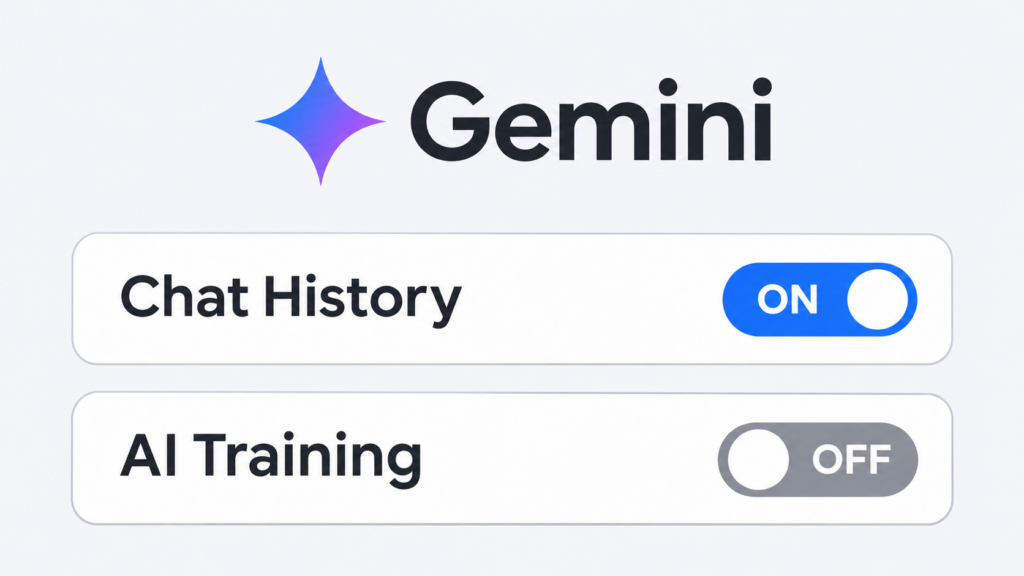
Want to keep your conversations with Google Gemini without sharing them for generative AI model training? Google’s November 2026 update lets you make those two choices separately.
Google announced the change on November 16, 2026. A service notification received on November 22 also explained how existing settings will carry over.
As of November 24, 2026: the new controls are being introduced gradually worldwide over the coming weeks. They may not be available on your account yet. This guide follows Google’s official documentation; we have not tested the new interface ourselves.
What is changing in Gemini?
Previously, Keep Activity controlled both the retention of your chats and their use for generative AI model training. Google is separating those choices, so you can keep a useful record of your conversations without opting into training.
| Setting | Recommended choice for this purpose |
|---|---|
| History | On — retain your conversations |
| AI training on chat content | Off — opt out of training on future chats |
The training control covers text and uploaded files, among other chat content.
How to disable Gemini AI training while keeping history
Once the new settings reach your personal Google account, follow these steps on a computer, as described in Google’s help documentation.
- Sign in at gemini.google.com.
- Open Settings, then History. Alternatively, visit Gemini History directly.
- Keep History enabled.
- Clear the checkbox for training on chat content, including text and uploads.
- Confirm by selecting Turn off.
There is also a separate option for using audio and Gemini Live recordings, including video and screen sharing, to improve services. Check that setting if you want to opt out of those uses too. Google says this recording-related option is disabled by default.
See the official Gemini history help page for device-specific instructions. If you only see the old Keep Activity setting, the update may not have reached your account. Revisit your settings once the rollout reaches you. Until then, the old controls still apply.
Will my previous settings carry over?
According to the notification, the status of Keep Activity at the time of the transition determines the initial values of both new settings.
| Old Keep Activity setting | New History setting | New training setting |
|---|---|---|
| On | On | On |
| Off | Off | Off |
If Keep Activity was enabled, the training setting does not automatically switch off. Review the new controls when they become available.
Turning off history does not mean immediate deletion
Under the new policy, even when History is disabled, Google retains new chats for approximately two months. They do not appear in your history list, but Google can use the retained data to respond to you, handle feedback, and protect its services, users and the public. Human review may be involved.
Two months is not a universal deletion deadline. Google’s privacy documentation explains that some reviewed chats and related information can be retained for up to three years.
Does opting out of AI training stop all other data uses?
No. Future chats generally won’t be used for generative AI training after you opt out, except when you provide feedback. Google can still process and review conversations for safety and other service improvements. The change does not retroactively undo earlier training or remove previously reviewed data.
These controls apply to personal Gemini accounts, not every Google service. Work and school accounts may be governed by administrator settings. Avoid entering confidential information regardless of your choice.
Can I still change how long my history is kept?
Yes. The usual retention period for saved history is 18 months. You can select 3 or 36 months instead, disable automatic deletion, or remove history manually.
Keep what is useful. Share only what you intend to share.
AI conversations can be valuable notes, records of work or starting points for new ideas. With separate history and training controls, you can retain those conversations without automatically opting into model training. Just remember that storage, training and safety-related processing are different things.
Sources
- Google’s official announcement, November 16, 2026
- Gemini service update email, received November 22, 2026
- Manage and delete Gemini history — Google Help
- Gemini Apps Privacy Hub
Found this helpful?
You can leave a small tip to support 1NUX.
Tips are optional. This guide stays free to read.
Payments are processed by codoc in Japanese yen (JPY).